Overview
In order for Agile.Now to communicate with all your environments, a LifeTime Service Account is needed. The steps below will walk you through the steps needed to create this account
Create the account
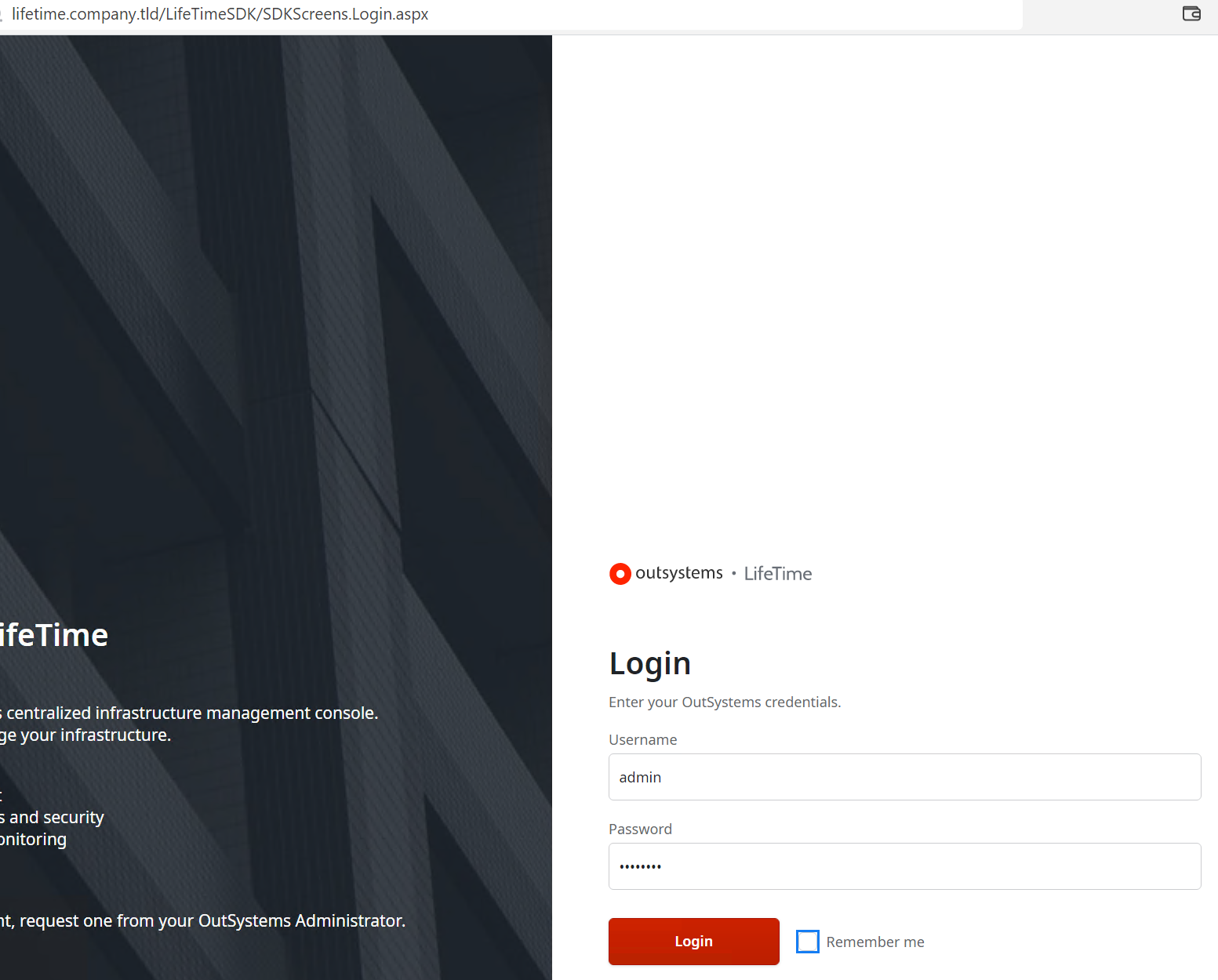
- Log into your LifeTime with a user that has Administrator rights:
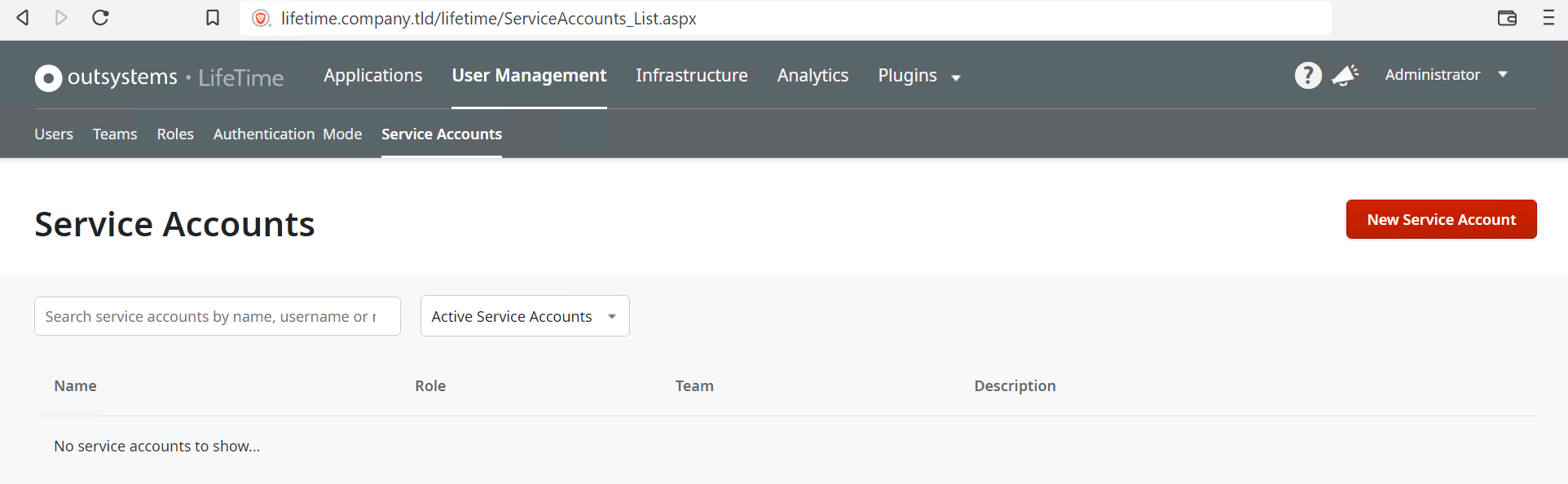
- Click on User Management, and then click on Service Accounts:
- Click the New Service Account button on the right and fill in the details:
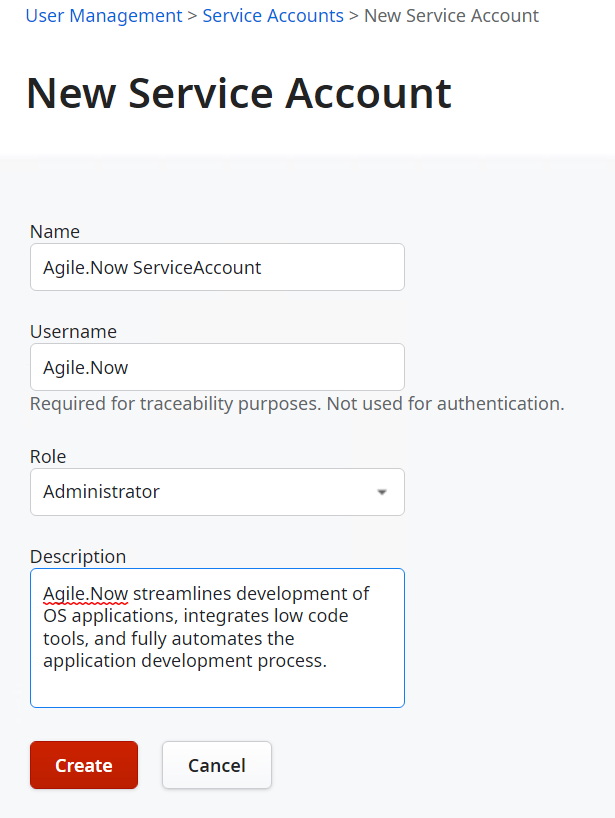
- !! Be sure to provide the account with Administrator rights for it to be able to function as intended !!
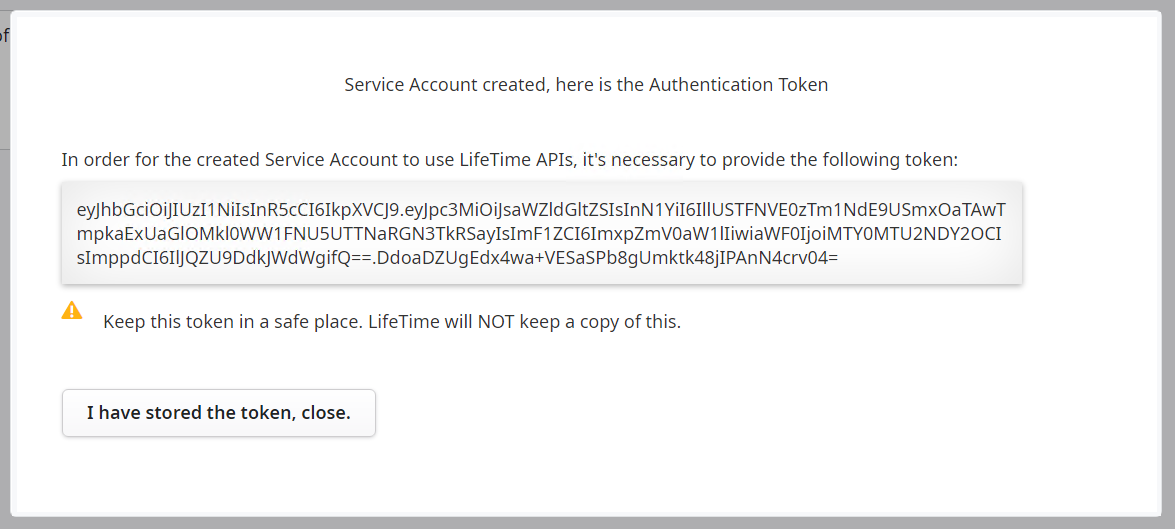
- Once filled in, click the Create button to create the account. A popup will provide you with the Authentication Token needed. Copy and store this in a safe place:
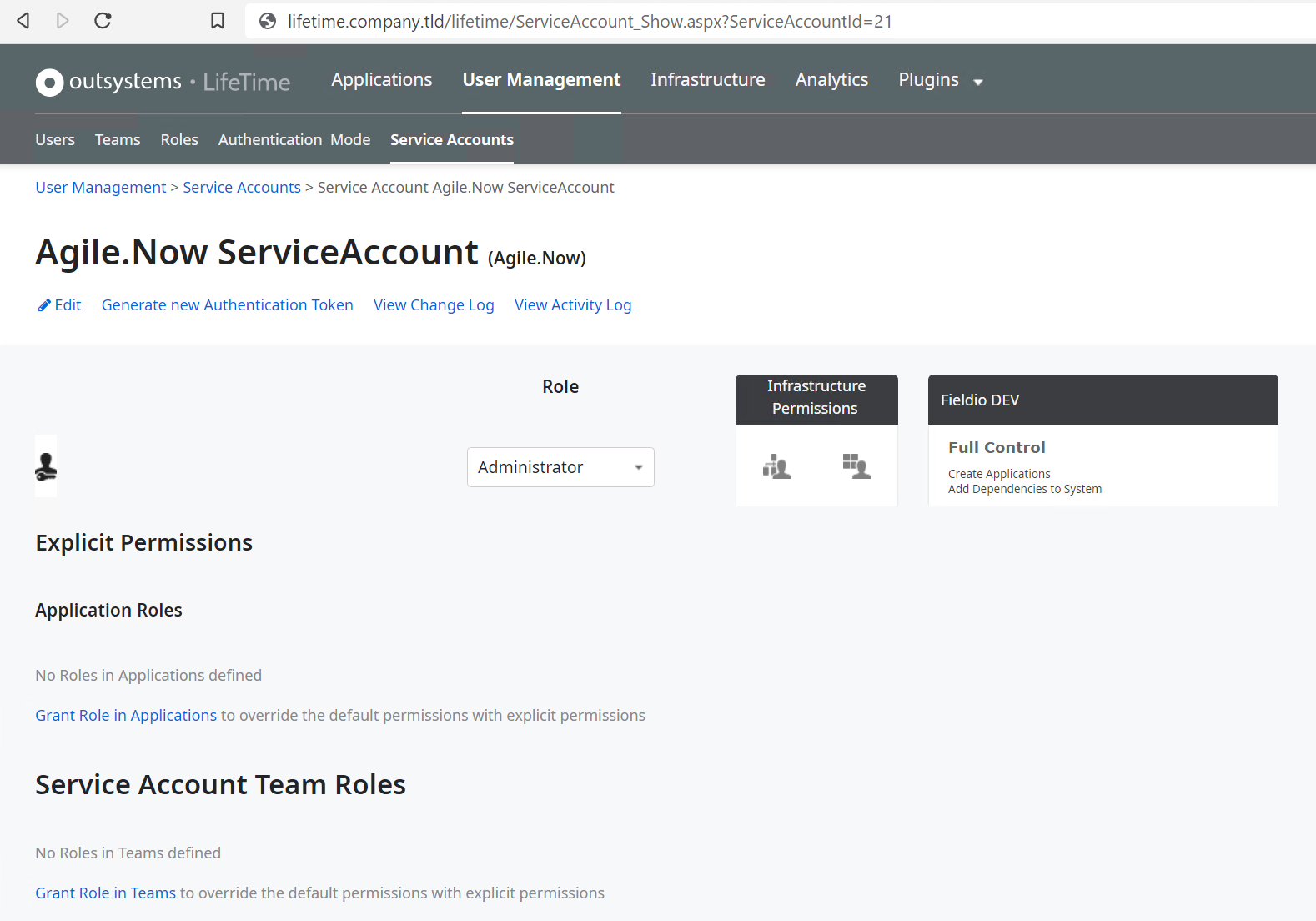
- You will then be returned to the newly created Account page: